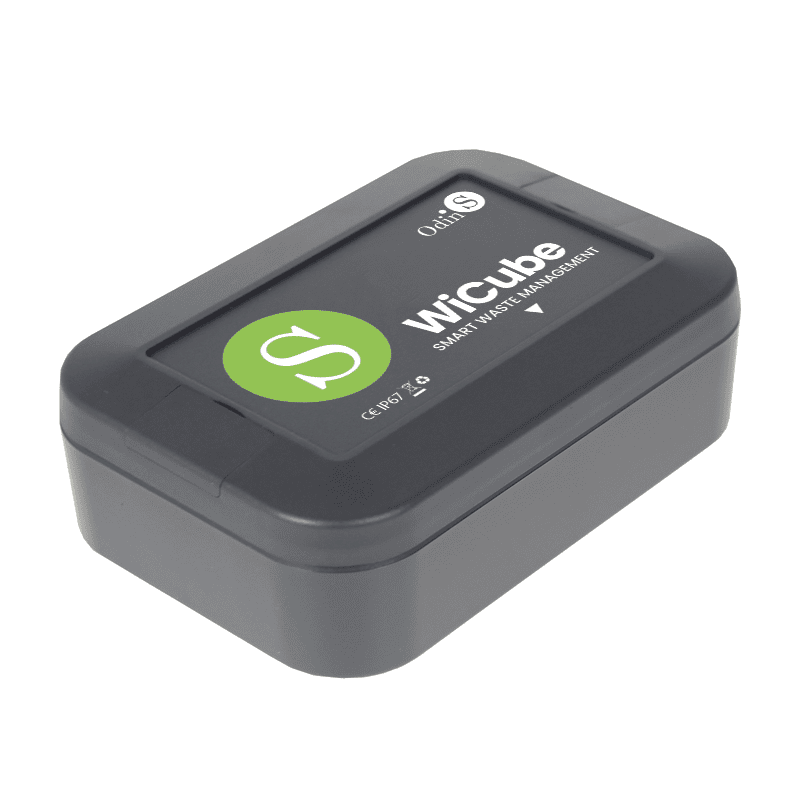
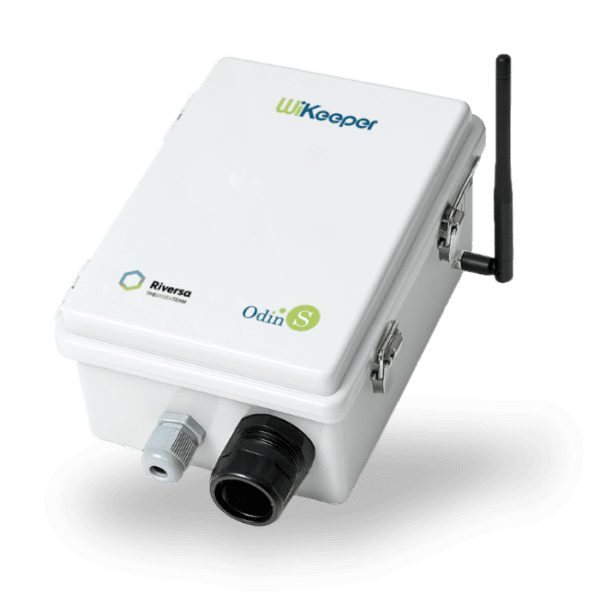
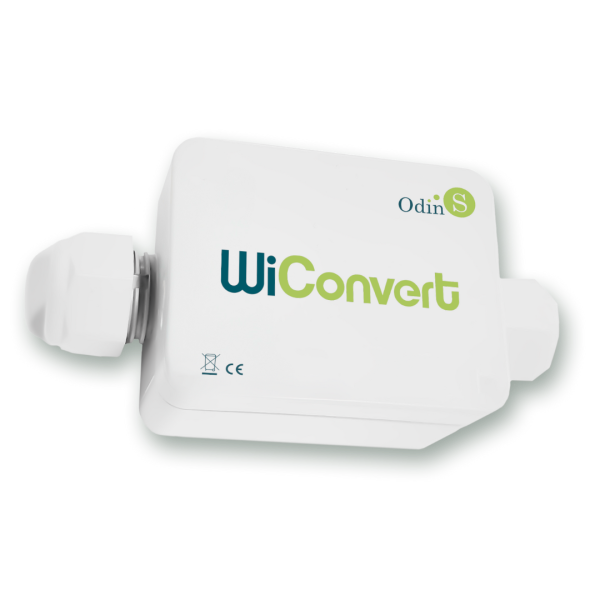
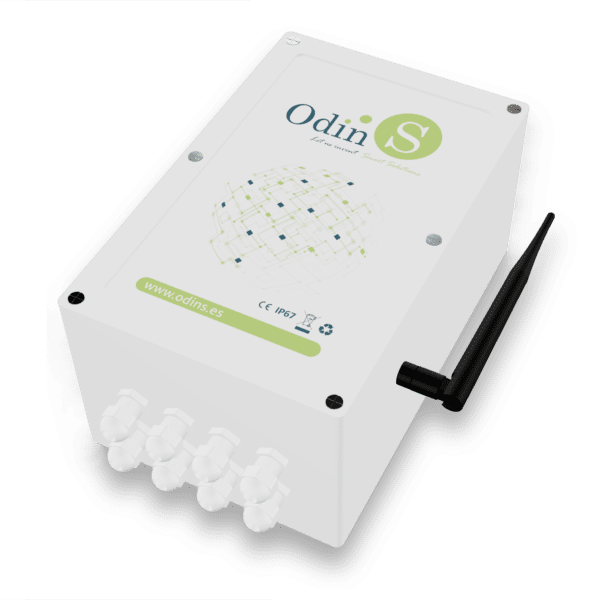
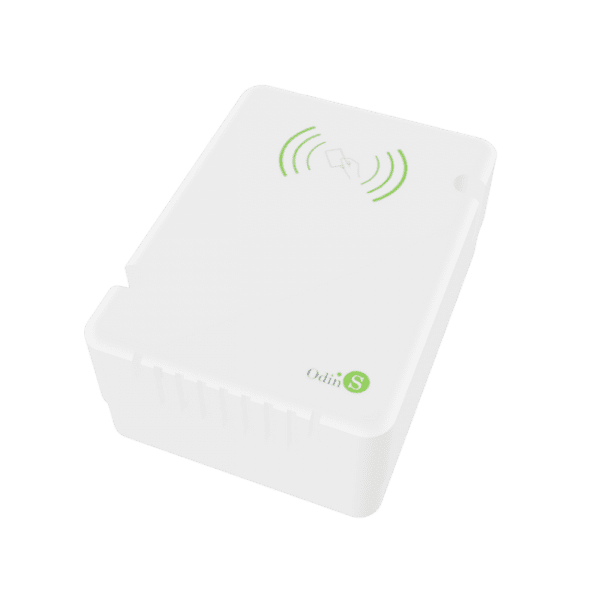
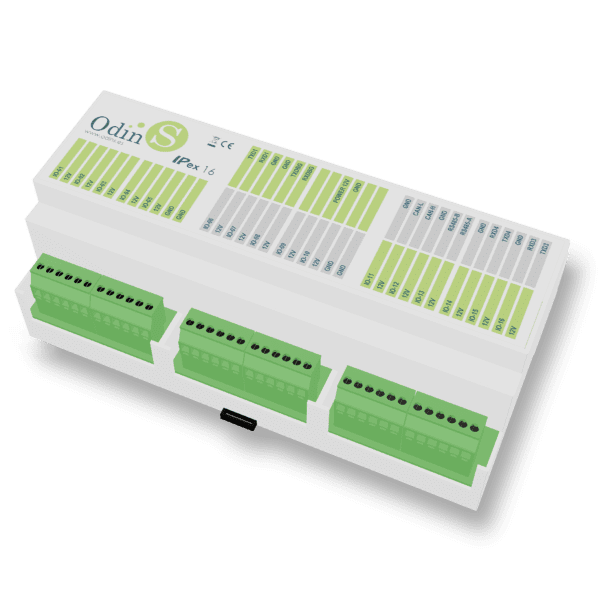
The WiCube sensor allows for continuous monitoring of container fill levels. Its design prioritizes interoperability and reduced maintenance , with key aspects including the use of standard and open protocols, optimized energy consumption, impact resistance, and the ability to withstand adverse environmental conditions, ensuring its integrity within waste containers. Together, WiCube and its management platform provide a comprehensive solution for efficient waste management, improving operational effectiveness and sustainability.
Technical specifications
NB-IoT communication via SIM
Geoposition using GPS
Replaceable battery with more than 5 years of life
Measuring range between 25 cm and 5 m
Remote configuration
Compatible with third-party platforms
FAQ
What do the beeps emitted when the magnet approaches mean? Because the device is hermetically sealed, user interaction is via a magnet and a buzzer that provides audible feedback on the user’s actions. The different beeps produced when the magnet is brought near are: Put the device into hibernation mode. Bring the magnet close for 5 or 6 beeps (with a one-second pause between beeps) and, finally, a 5-second beep to confirm entry into hibernation. Force communication with the platform. Bring the magnet close for 9 or 10 beeps (with a one-second pause between beeps) and finally, a long beep of 1 second and another short beep of 100 milliseconds for confirmation. Force communication to the configuration portal. Bring the magnet close for 13 or 14 beeps (with a one-second pause between beeps) and finally, a long beep of 1 second and 3 short beeps of 100 milliseconds for confirmation. Force the device to restart. Bring the magnet close for 17 or 18 beeps (with a one-second pause between beeps). In this case, there is no confirmation since the device automatically restarts upon detecting the correct sequence. Force fill sensor reading. Bring the magnet close for 21 or 22 beeps (with a one-second pause between beeps). The device will emit two short 100-millisecond beeps if the reading is correct, or four short 100-millisecond beeps if the reading is incorrect.