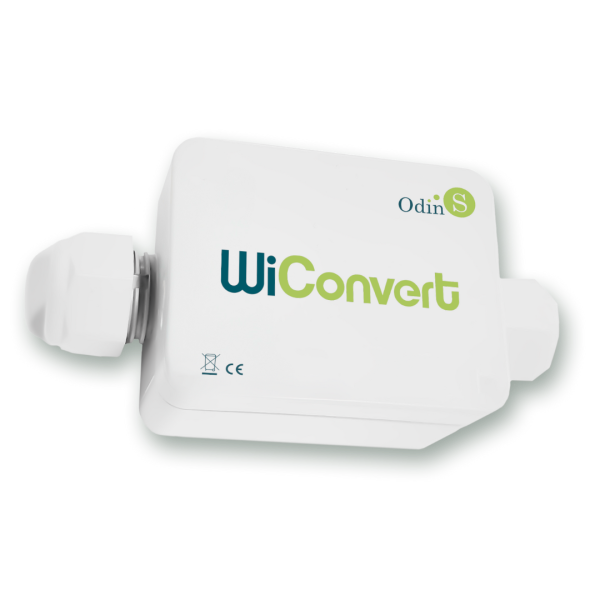
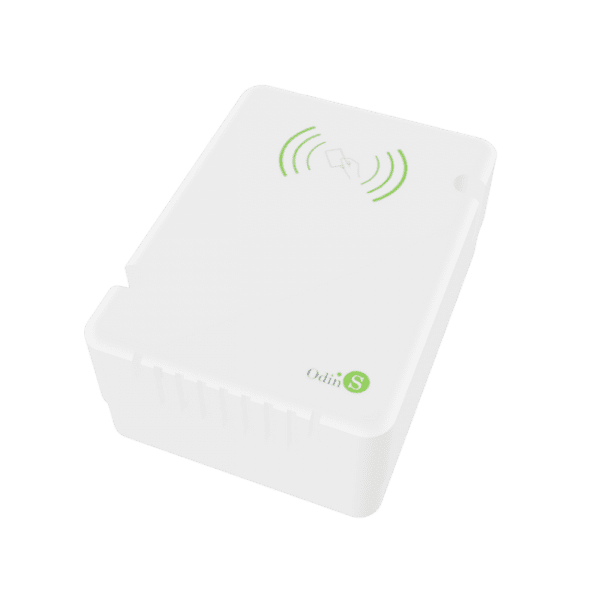
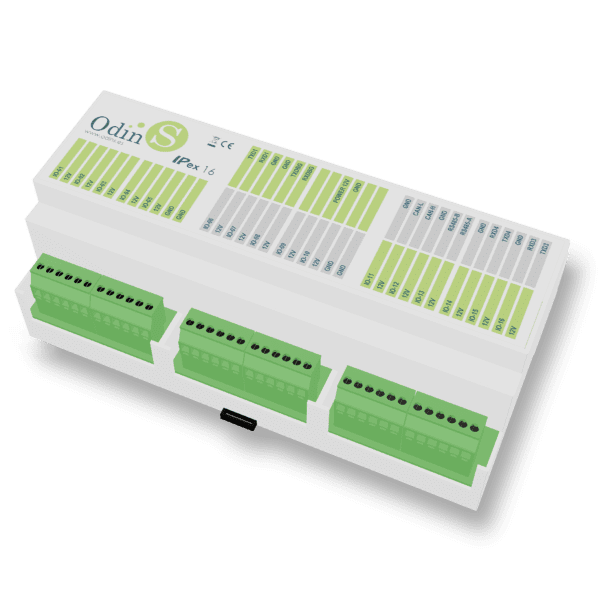
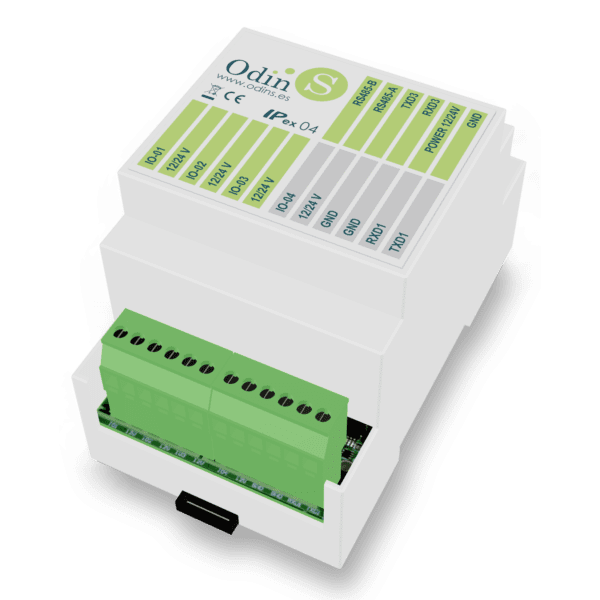
IPex12G

IPex12G

IPex12G - IP Controller and Accessories

Description
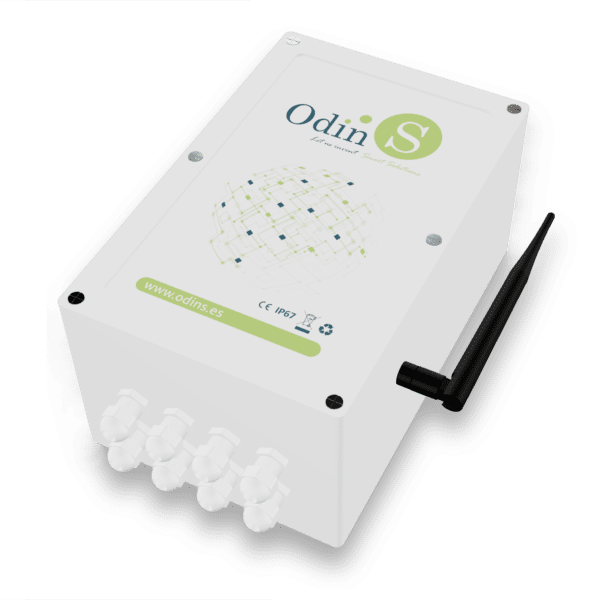
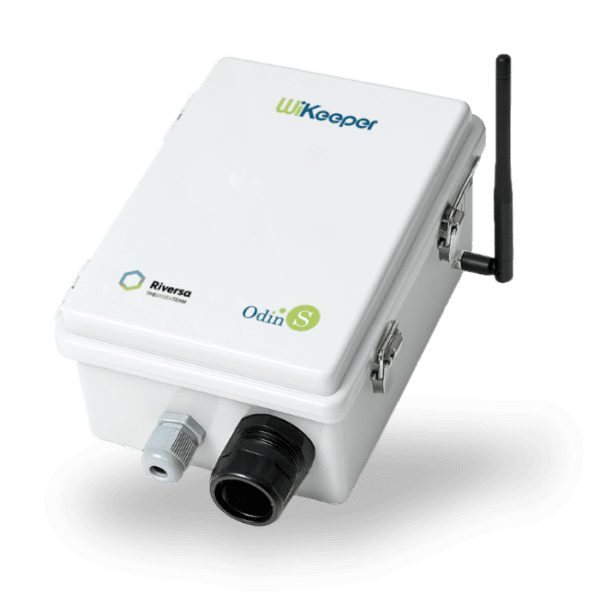
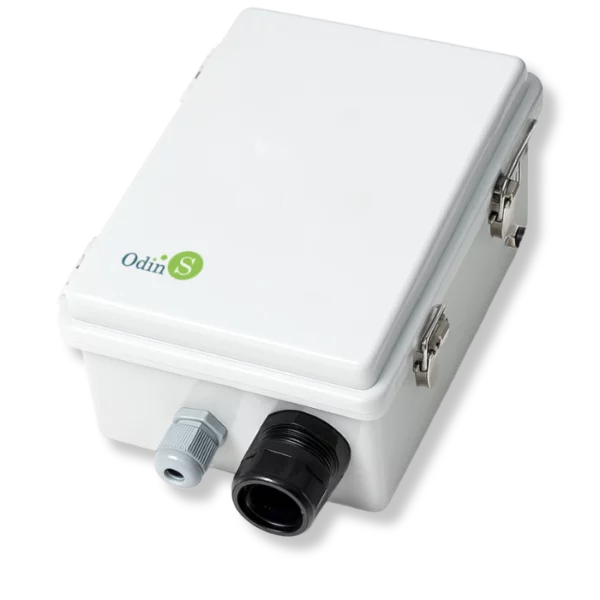
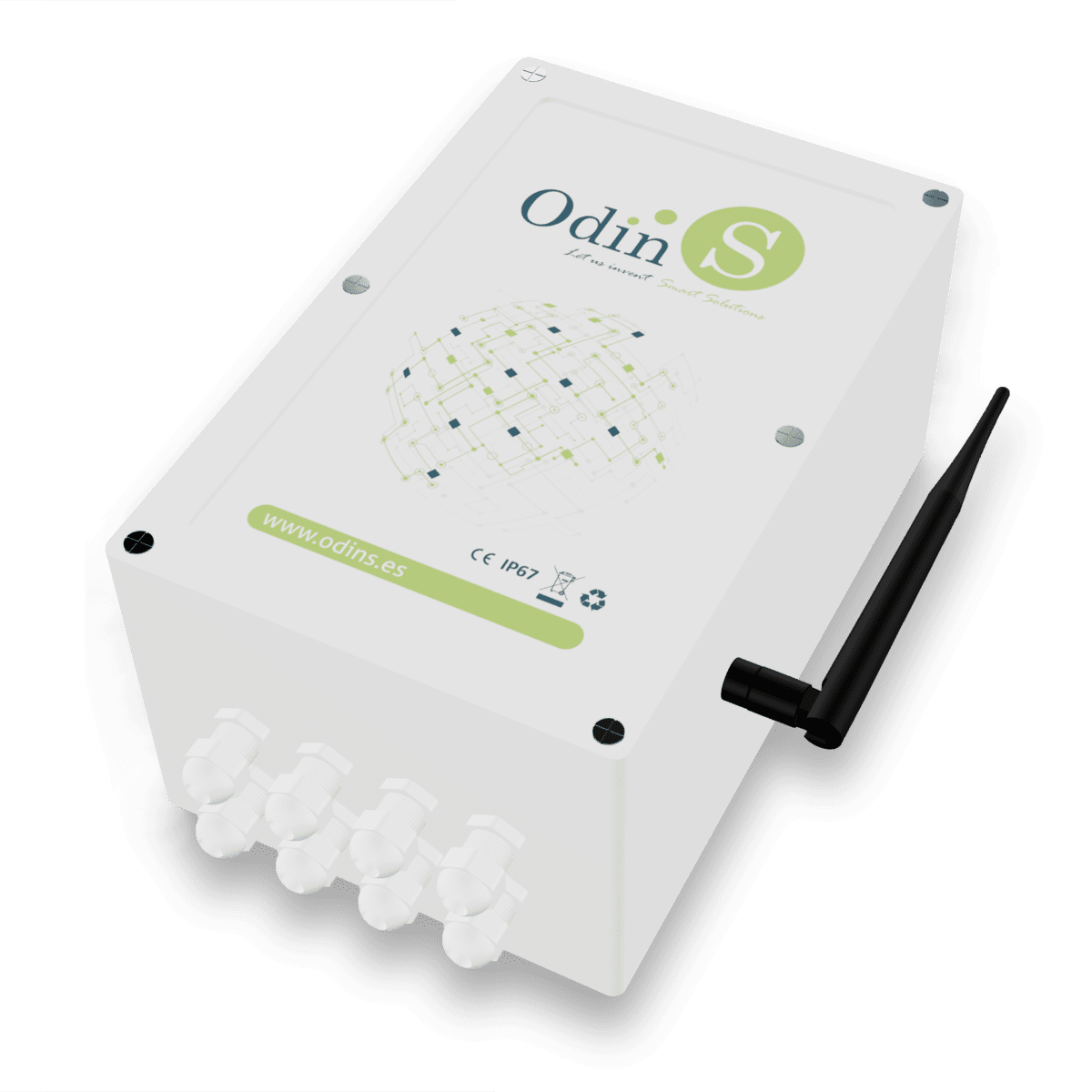
The IPex12G is an irrigation programmer designed to offer efficient and versatile control in irrigation systems , providing extensive real-time monitoring and control capabilities. Notable for its interoperability and reduced maintenance, the IPex12G uses standard and open protocols and optimizes its energy consumption to operate on battery and solar panel power.
Thanks to its ability to manage dynamic rules based on data from connected sensors, the IPex12G offers a complete and adaptable solution to optimize irrigation, maximizing efficiency and results .
  • 6 digital outputs for latch valve control
  • 6 digital inputs for detection or counters
  • 4 analog voltage or current inputs
  • 1 SDI-12 port for connecting up to 16 probes
  • GPRS/NB-IoT Communication
  • Powered by solar panel and battery
The device’s battery doesn’t last long after a few months of use, what’s happening? If lead-acid batteries are being used, they have a lifespan of approximately 300 cycles and an average of 9-10 months, so it is recommended that they be replaced periodically after that time or if symptoms of capacity decline are observed. It is important to keep in mind that environmental operating conditions, such as the temperature to which it is subjected, come into play in the degradation process.

I have the device installed with a 12V LiFePO4 battery, but it has run out and now reads 0V, what should I do? Lithium batteries, in general, must include a battery management system (BMS) that monitors each cell individually to prevent operational risks such as overvoltage, extreme temperatures, overcurrent, etc. Therefore, if any of the aforementioned operating situations occur, the BMS activates and disables the battery, cutting off its output voltage. This situation can be temporary; for example, if the temperature is very low, the battery will automatically reset when the temperature rises above 0°C. Conversely, if over-discharge occurs, the BMS disables the battery until it is recharged. Once it receives power from the solar panel, it will restart charging, activating the battery and the device.

The device has stopped communicating and has good coverage. Check the battery and solar panel levels. If communication is lost for an extended period, it’s usually due to a low battery, and communication won’t resume until the battery is recharged. Additionally, the device enters power-saving mode when the battery drops below 40%, ceasing communication until it recovers enough power to restore normal communication frequency.

The battery drains despite having power from the solar panel. Check the solar panel for dirt and proper orientation, and ensure it’s not shaded by trees or similar objects to guarantee 5-6 hours of good solar radiation. A 12V/10W solar panel in good condition should deliver a voltage greater than 20V in an open circuit and 500mA in a short circuit, so these values ​​should also be verified.

Can the solar panel be replaced with a voltage adapter? Yes, a 24VDC/0.5A AC/DC adapter can be used as a substitute for the solar panel if the device is to be installed in a location with mains electricity.

Can the device be powered with a 12V power adapter? Yes, but with two caveats:
– It must be able to supply at least 2A of current.
– You should supply 13.8V to prevent the device from entering power saving mode, or configure the device to indicate that it will be using a voltage adapter instead of a battery, thus deactivating power saving mode.

What types of valves can I connect? Any latch-type valve whose trigger voltage is between 3.3V and 23V with a maximum current of 2.7A.

How can I control the activation of a pump? Simply connect a latch-type relay to one of the valve outputs and with its contacts we can control the pump’s control contactor.

How many irrigation programs can it manage? The device is capable of storing up to 192 irrigation programs for agriculture mode and 32 programs for gardening mode (sequential irrigation).

To request additional documentation, write to soporte@odins.es

IPex12G

General Questions

What types of analog sensors can I connect to the device?

There are a wide variety of sensors with analog outputs on the market, but the most common outputs are 0-10V and 4-20mA, which are supported by all our devices. Some of them are capable of measuring other less standard values. To find out more, consult the specific manual for that device.

Not directly, the digital inputs of the devices are of potential-free type or NPN type. Therefore, if we want to connect a sensor with PNP output, we must use an intermediate element such as a relay to convert to NPN.

Devices that have digital outputs are of the open collector type, therefore they do not provide voltage to their output, but rather close to GND, therefore they are of the NPN type.

The SDI-12 standard can manage dozens of addresses on a single bus, but each device is limited by the available memory, CPU and power resources. For this reason, 2 probes can be connected to Mex03, 8 probes to Mex06 and 16 probes to IPex12.

The standard indicates up to 60 meters, although this will always depend on the installation location and the cable used.

It depends on the section of the cable used, but if the output is by voltage, an adequate section must be guaranteed to avoid a significant drop in the cable that affects the reading. If a large distance needs to be covered (tens of meters), it is better to use a sensor with a 4-20mA output, since it avoids the problem of voltage drops in the cable and is also more immune to external interference.

Normally, and especially with wireless communication systems, there are connection drops due to the network, temporary loss of coverage, weather conditions, etc. This can cause the device to stop communicating with the platform for a few hours, but the device continues to function and record data, so as soon as it regains connection it will send all the stored information.

Otros productos que te pueden interesar

Do you need help? Fill out the form and we'll get back to you
We will get in touch with you.

Our customer service hours are Monday to Thursday from 08:00 to 17:00, Friday from 08:00 to 15:00. We will try to respond to you as soon as possible.

I have read and understand the information regarding the use of my personal data explained in the Odin Solutions Privacy Policy. You can exercise your right of access, rectification, deletion and portability by emailing protecciondedatos@odins.es.
OdinS data space kit

100% eligible for subsidy

We’ll give you all the information you need, no strings attached. Fill out the form and we’ll contact you.